
Introduction
The web development landscape is evolving rapidly, and developers are constantly looking for tools that simplify workflows while improving performance. With the launch of Netlify Database, building and scaling full-stack applications has become faster and more streamlined than ever.
In this blog, we’ll explore what Netlify Database is, its key features, benefits, and how it can transform your development workflow.
What is Netlify Database?
Netlify Database is a newly introduced feature that enables developers to add instant databases to their applications directly within the Netlify platform. It eliminates the need for complex third-party integrations, allowing you to manage data seamlessly alongside your frontend and backend logic.
This makes Netlify a complete full-stack platform, where you can build, deploy, and scale applications without switching between multiple services.
Key Features of Netlify Database
1. Instant Database Setup
No lengthy configurations. You can add a database to your project instantly and start storing data right away.
2. Fully Integrated Workflow
Netlify Database works smoothly with:
- Serverless Functions
- Edge Functions
- APIs
- AI integrations
This ensures a unified development experience.
3. Scalable Infrastructure
From small projects to enterprise-grade apps, Netlify Database scales automatically with your application traffic.
4. Built-in Security
With automatic HTTPS, environment variable management, and access control, your data stays protected.
5. Global Performance
Powered by a global edge network, your database-backed applications deliver fast performance worldwide.
Why Netlify Database Matters for Developers
Simplified Full-Stack Development
Previously, developers had to rely on external database providers. Now, everything is available in one platform, reducing complexity.
Faster Deployment
You can:
- Deploy via Git
- Use CLI
- Drag and drop projects
Every change gets a preview before going live, improving collaboration and testing.
AI-Ready Infrastructure
Netlify integrates with modern AI tools, allowing developers to:
- Build AI-powered apps
- Connect to multiple AI models
- Deploy AI features quickly
How Netlify Database Improves Workflow
1. Start Your Project
You can begin with:
- A prompt (AI-assisted development)
- Git repository
- Local CLI deployment
2. Build and Connect
- Add APIs and backend logic
- Store and manage data with Netlify Database
- Integrate AI capabilities
3. Preview and Test
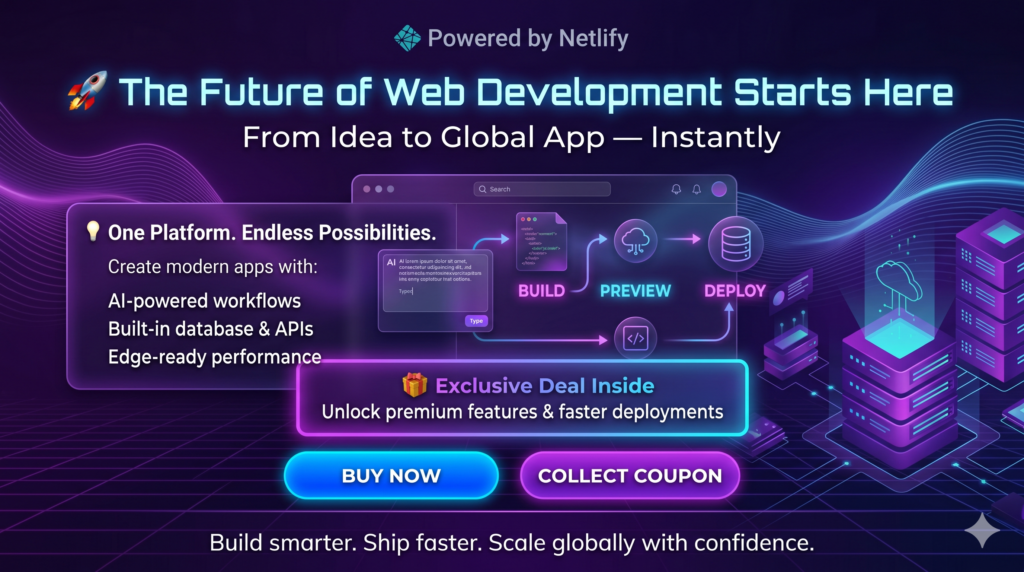
Every update generates a preview URL, making it easier to test before production.
4. Deploy Globally
With one click, your app goes live on a global CDN with high uptime.
Use Cases of Netlify Database
AI Applications
Store prompts, responses, and user data efficiently.
SaaS Platforms
Manage user accounts, subscriptions, and application data.
E-commerce Websites
Handle product catalogs, orders, and customer information.
Internal Tools
Build dashboards and automation tools with real-time data.
Netlify Database vs Traditional Databases
| Feature | Netlify Database | Traditional Setup |
|---|---|---|
| Setup Time | Instant | Time-consuming |
| Integration | Built-in | Requires configuration |
| Scaling | Automatic | Manual |
| Deployment | Unified | Separate workflows |
| Maintenance | Minimal | High |
Getting Started with Netlify Database
Follow these steps to begin:
- Create or log in to your Netlify account
- Start a new project
- Add a database from the dashboard
- Connect it to your backend functions
- Deploy your app
You can start for free and scale as your application grows.
Conclusion
The launch of Netlify Database marks a significant step toward simplifying full-stack development. By combining frontend, backend, and database capabilities into a single platform, Netlify empowers developers to build faster, deploy smarter, and scale effortlessly.
If you’re looking to streamline your development workflow and reduce complexity, Netlify Database is definitely worth exploring.
FAQs
What is Netlify Database used for?
It is used to store and manage application data directly within the Netlify ecosystem.
Is Netlify Database free?
Netlify offers a free tier, but advanced features may require paid plans.
Can I use Netlify Database with AI apps?
Yes, it integrates seamlessly with AI tools and APIs.
Does Netlify Database scale automatically?
Yes, it is built on scalable infrastructure that grows with your app.